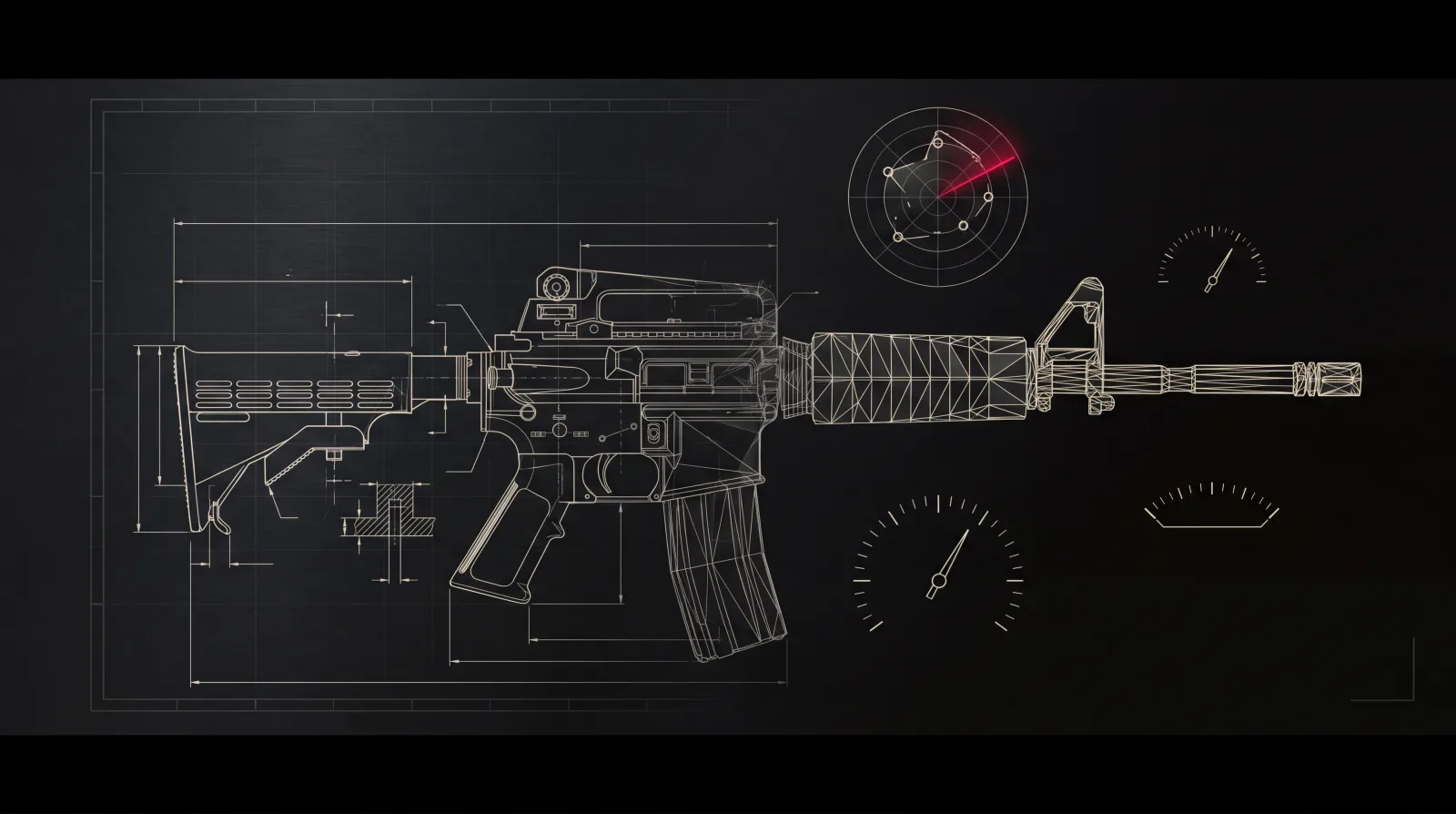
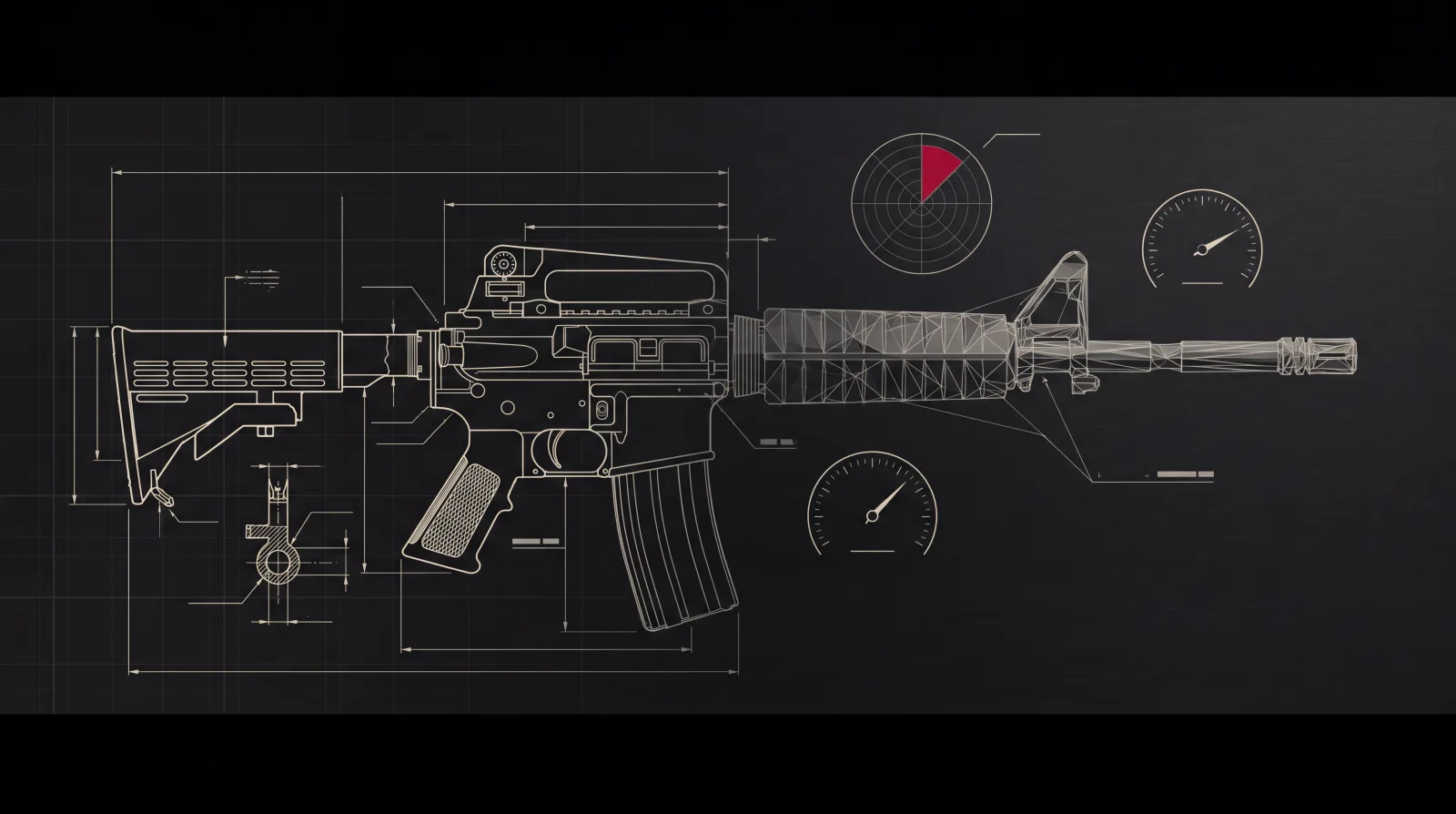
Building weapon systems for modern games is a monumental task. AAA shooters can feature hundreds of firearms, each with dozens of stats that must be balanced against the entire arsenal. Studios face a choice: spend months manually researching and iterating, or leverage APIs to access structured, real-world firearm data that accelerates development and improves authenticity.
In this post, we'll explore how game studios integrate firearm specification APIs into their weapon design pipelines, the specific use cases that save weeks of development time, and why this approach has become standard practice for teams building competitive shooters, tactical sims, and live service games.
The Challenge of Building Weapon Systems
For a game designer tasked with creating a balanced weapon roster, the work begins long before any values make it into the engine. Designers must:
- Research authentic specifications - muzzle velocity, rate of fire, caliber ballistics, magazine capacity, and dozens of other properties for each weapon.
- Normalize the data - manufacturers report specs in inconsistent units and formats. A designer might find velocity in m/s on one site and ft/s on another, or discover that fire rate is listed as "cyclic" vs. "practical."
- Cross-reference variants - the AK-47 alone has hundreds of regional variants with different barrel lengths, stocks, and fire modes. Tracking which variant appears in which game or movie is critical for reference.
- Iterate on balance - real-world stats are the starting point, but they must be tuned for game feel. A weapon that's overpowered in one meta might be balanced in another after adjusting recoil, handling, or damage falloff.
For a roster of 50–100 firearms, this research phase can take weeks or months. And when your studio ships a live service game with quarterly content drops, the problem multiplies. Enter firearm specification APIs.
How Studios Integrate Firearm APIs
A firearm API serves as the single source of truth for weapon specifications. Instead of manually scraping manufacturer sites or Wikipedia, designers query a structured endpoint and receive JSON responses with normalized, validated data.
Here's a typical integration pipeline:
1. API Query
The designer or content pipeline queries the API for a specific firearm or a filtered list (e.g., all assault rifles chambered in 5.56×45mm). The response includes muzzle velocity, barrel length, rate of fire, weight, and more.
1// Example: Fetch AK-47 specifications2const response = await fetch('https://api.gunspec.io/v1/firearms/ak-47', {3  headers: { 'X-API-Key': 'your_api_key' }4})5const firearm = await response.json()6
7console.log(firearm.muzzle_velocity_ms) // 7158console.log(firearm.rate_of_fire_rpm)   // 6009console.log(firearm.calibers)           // ['7.62x39mm']
2. Data Normalization
The API returns specs in consistent units (meters/second, rounds/minute, grams). The studio's content pipeline converts these into game-engine units (Unity units/second, Unreal's cm/s, etc.) and applies any scaling factors for game feel.
1// Convert muzzle velocity to Unity units/sec (1 unit ≈ 1 meter)2const unityVelocity = firearm.muzzle_velocity_ms3
4// Apply a 0.8x scaling factor for game balance5const gameVelocity = unityVelocity * 0.8 // 572
3. Game Engine Integration
The normalized data populates a weapon config file (JSON, YAML, or scriptable object). This config feeds directly into the game's weapon spawner, UI tooltips, and balancing tools.
1// Unity ScriptableObject example2[CreateAssetMenu(fileName = "AK47", menuName = "Weapons/AssaultRifle")]3public class WeaponStats : ScriptableObject4{5 public string weaponName = "AK-47";6 public float muzzleVelocity = 572f; // from API7 public int rateOfFire = 600; // from API8 public int magazineCapacity = 30; // from API9 public float recoilMultiplier = 1.2f; // designer tuning10}The result: designers spend less time on research and more time on iteration. When a new weapon is added, the pipeline pulls the latest specs automatically.
Use Case: Weapon Balancing at Scale
Balancing a competitive shooter requires comparing dozens of weapons across multiple dimensions: damage, range, accuracy, handling, and more. Real-world firearm data provides abaseline that keeps weapons grounded in reality while designers layer on game-specific tuning.
For example, a studio building a tactical shooter might:
- Start with API specs - fetch muzzle velocity, barrel length, and caliber for 20 assault rifles.
- Calculate baseline damage - use caliber energy (from the API's caliber endpoint) as a starting point for damage values.
- Adjust for game feel - apply recoil curves, damage falloff, and handling modifiers based on playtesting.
- Visualize in a balancing tool - plot all weapons on a scatter chart (damage vs. fire rate) to identify outliers.
The API's structured data makes it trivial to compare weapons at scale. A designer can query all assault rifles in a single request, export to CSV, and load into a spreadsheet or visualization tool. This is how studios catch balance issues before they reach QA.
Use Case: Content Pipeline Automation
For studios shipping expansions or DLC, content pipelines must be fast and reliable. A firearm API allows pipelines to be fully automated - from concept to in-game asset.
Here's a real-world workflow for adding a new weapon:
- Designer selects a weapon - "Let's add the HK416 to the next update."
- Pipeline queries the API - the build script fetches specs for the HK416, including variants (10.4" barrel, 14.5" barrel, etc.).
- Pipeline generates configs - weapon stats, UI metadata (display name, description), and localization keys are auto-generated from the API response.
- Artist receives a reference sheet - the pipeline outputs a PDF with images, dimensions, and operating system details for the 3D artist.
- QA tests with live data - the weapon is added to the dev build with real-world stats, and QA validates behavior before balance tuning begins.
This pipeline reduces the time from concept to playable prototype from days to hours. Studios using this approach report 40–60% faster content production for weapon DLC.
Use Case: Live Service Games and Updates
Live service games require constant content updates to retain players. For shooters, that means new weapons, seasonal balancing patches, and limited-time modes. Firearm APIs enable studios to ship updates faster and with higher quality.
Consider a seasonal update that adds 5 new weapons:
- Week 1 - Design selects weapons from the API's catalog (6,500+ firearms). Pipeline auto-generates configs and reference sheets.
- Week 2–3 - Artists create 3D models and textures using API-provided dimensions and images.
- Week 4 - Designers tune balance using API specs as the baseline. QA tests in a dev build.
- Week 5 - Weapons ship in the seasonal patch. If a balance issue is discovered post-launch, designers adjust multipliers (recoil, damage falloff) without re-researching specs.
The API also supports versioning - if a weapon's real-world specs are updated (e.g., a manufacturer releases a new variant), the API reflects that change. Studios can query the updated specs and decide whether to propagate the change to their game.
Why GunSpec for Game Studios
GunSpec's API is purpose-built for game development workflows. Here's what makes it the go-to choice for studios:
1. Comprehensive Catalog
6,500+ firearms across pistols, rifles, shotguns, and more. Each entry includes 20+ spec fields, caliber associations, and variant tracking. See how studios use GunSpec.
2. Typed, Consistent Responses
Every endpoint returns JSON with predictable structure. Muzzle velocity is always in m/s, weight in grams, length in mm. No unit conversions, no edge cases. TypeScript types are available for frontend integration.
3. Game-Stats Endpoint
The /v1/firearms/:slug/game-stats endpoint returns curated data for game integration: which games feature this weapon, what its in-game name is, and community tags (e.g., "meta", "starter weapon"). This is invaluable for studios building competitive shooters who want to align with player expectations.
4. Flexible Pricing for Studios
Start with the Explorer tier (200 requests/month) for prototyping. Scale to Builder ($29/mo, 25k requests) for small studios, or Enterprise ($249/mo, 1M requests) for AAA teams shipping live service games. View pricing details.
5. Full API Documentation
Interactive docs with live examples, TypeScript types, and code samples in JavaScript, Python, and C#. Test endpoints directly in the browser with the API playground.
Getting Started
If you're a game designer, technical artist, or studio lead looking to streamline your weapon content pipeline, here's how to start:
- Explore the catalog - Browse 6,500+ firearms on the GunSpec website. Filter by caliber, action type, or category to find weapons that fit your game's setting.
- Try the API - Sign up for a free API key and query the
/v1/firearmsendpoint. Pull specs into a spreadsheet or visualization tool. - Build a prototype pipeline - Use the API to auto-generate weapon configs for a single weapon. Test the integration in your game engine.
- Scale to production - Once validated, integrate the API into your content pipeline. Use webhooks (Enterprise tier) to get notified when specs are updated.
Game studios worldwide are already using firearm APIs to ship better games faster. The question isn't whether to adopt this workflow - it's how soon you can start.
Ready to integrate? Read the API docs or choose a plan to get your API key today.