
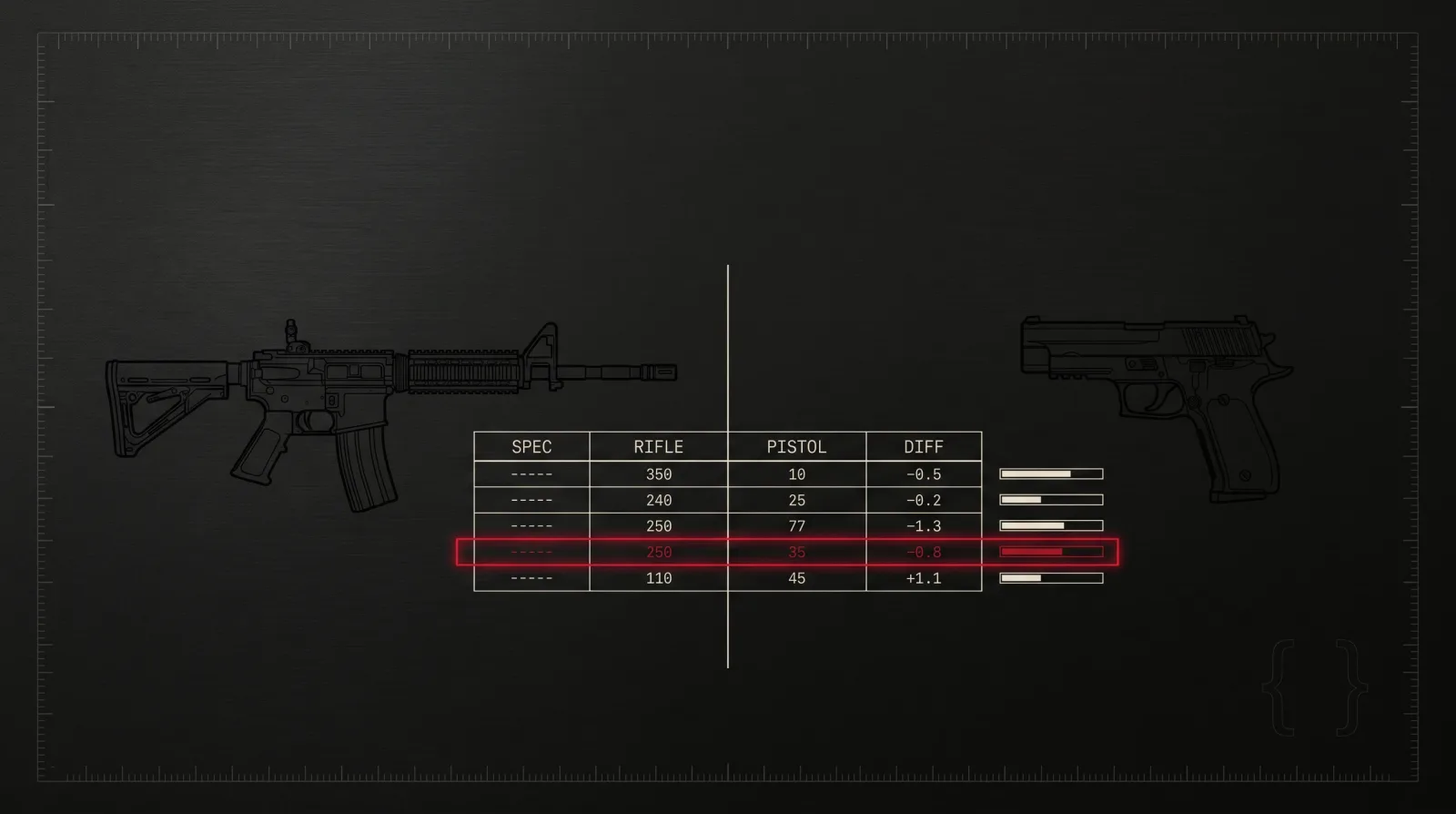
Firearm comparison is a critical feature for developers building gun databases, e-commerce platforms, shooting sports apps, and gaming tools. Manually comparing specifications across dozens of firearms is time-consuming and error-prone. The GunSpec API's compare endpoint provides a programmatic solution, allowing you to fetch and analyze multiple firearms side-by-side with a single request.
In this tutorial, you'll learn how to use the /v1/firearms/compareendpoint to build comparison features in your application. We'll walk through fetching firearm data, parsing responses, and rendering a comparison table.
Why Programmatic Comparison Matters
Building firearm comparison features manually requires maintaining duplicate code for each firearm detail page, synchronizing data across multiple API calls, and handling inconsistent data formats. The GunSpec compare endpoint solves these challenges by:
- Reducing API calls - fetch multiple firearms in one request instead of making separate calls for each
- Standardizing data - all specifications follow the same schema, making comparison logic trivial
- Saving bandwidth - the API only returns fields relevant to comparison (no images, users, or game stats)
- Improving UX - instant side-by-side comparison without manual data alignment
Prerequisites
Before starting, make sure you have:
- A GunSpec API key (sign up at /signup if you don't have one)
- Basic knowledge of JavaScript and
fetchAPI - A code editor and Node.js environment (or browser console for testing)
If you're new to the GunSpec API, review the API documentation to familiarize yourself with authentication and rate limits.
Step 1: Fetching Firearm Details
First, you need the IDs of the firearms you want to compare. You can get these from the /v1/firearms list endpoint or by searching with specific filters. Here's an example that fetches all 9mm handguns:
1const API_KEY = 'your_api_key_here'2const BASE_URL = 'https://api.gunspec.io'3
4async function searchFirearms(caliber) {5  const response = await fetch(6    `${BASE_URL}/v1/firearms?caliber=${caliber}&category=handgun&limit=5`,7    {8      headers: {9        'X-API-Key': API_KEY,10      },11    }12  )13
14  if (!response.ok) {15    throw new Error(`API error: ${response.status}`)16  }17
18  const data = await response.json()19  return data.data // Array of firearms20}21
22// Example: Get 9mm handguns23const handguns = await searchFirearms('9mm')24console.log(handguns.map(gun => ({ id: gun.id, name: gun.name })))25// [26//   { id: 'glock-17', name: 'Glock 17' },27//   { id: 'sig-p320', name: 'SIG Sauer P320' },28//   { id: 'cz-75', name: 'CZ 75' },29//   ...30// ]
Step 2: Using the Compare Endpoint
Now that you have firearm IDs, you can use the compare endpoint. The endpoint accepts a comma-separated list of IDs as a query parameter:
1GET /v1/firearms/compare?ids=glock-17,sig-p320,cz-75Here's the full implementation:
1async function compareFirearms(ids) {2  const idsParam = ids.join(',')3  const response = await fetch(4    `${BASE_URL}/v1/firearms/compare?ids=${idsParam}`,5    {6      headers: {7        'X-API-Key': API_KEY,8      },9    }10  )11
12  if (!response.ok) {13    throw new Error(`Compare API error: ${response.status}`)14  }15
16  const data = await response.json()17  return data.data // Array of firearm objects18}19
20// Example: Compare three handguns21const comparison = await compareFirearms(['glock-17', 'sig-p320', 'cz-75'])22console.log(comparison)
The response returns an array of firearm objects with complete specifications. Each object includes manufacturer, calibers, dimensions, weight, capacity, and more.
Step 3: Parsing the Response
The compare endpoint returns structured data that's easy to parse. Here's an example response structure:
1{2 "success": true,3 "data": [4 {5 "id": "glock-17",6 "name": "Glock 17",7 "manufacturer": {8 "id": "glock",9 "name": "Glock"10 },11 "category": "handgun",12 "action": "striker-fired",13 "calibers": ["9x19mm"],14 "weight_g": 625,15 "length_mm": 204,16 "barrel_length_mm": 114,17 "capacity": 17,18 "effective_range_m": 50,19 "muzzle_velocity_ms": 375,20 "rate_of_fire_rpm": null,21 "origin_country": "Austria"22 },23 {24 "id": "sig-p320",25 "name": "SIG Sauer P320",26 "manufacturer": {27 "id": "sig-sauer",28 "name": "SIG Sauer"29 },30 "category": "handgun",31 "action": "striker-fired",32 "calibers": ["9x19mm", ".40 S&W", ".357 SIG"],33 "weight_g": 730,34 "length_mm": 203,35 "barrel_length_mm": 114,36 "capacity": 17,37 "effective_range_m": 50,38 "muzzle_velocity_ms": 381,39 "rate_of_fire_rpm": null,40 "origin_country": "Germany"41 }42 ]43}Notice that missing or non-applicable fields (like rate_of_fire_rpmfor handguns) return null. Your comparison table should handle these gracefully.
Step 4: Building a Comparison Table
With the parsed data, you can build a comparison table. Here's a simple React component example:
1function FirearmComparisonTable({ firearms }) {2  if (!firearms || firearms.length === 0) {3    return <p>No firearms to compare.</p>4  }5
6  return (7    <table>8      <thead>9        <tr>10          <th>Specification</th>11          {firearms.map(gun => (12            <th key={gun.id}>{gun.name}</th>13          ))}14        </tr>15      </thead>16      <tbody>17        <tr>18          <td>Manufacturer</td>19          {firearms.map(gun => (20            <td key={gun.id}>{gun.manufacturer.name}</td>21          ))}22        </tr>23        <tr>24          <td>Caliber</td>25          {firearms.map(gun => (26            <td key={gun.id}>{gun.calibers.join(', ')}</td>27          ))}28        </tr>29        <tr>30          <td>Weight (g)</td>31          {firearms.map(gun => (32            <td key={gun.id}>{gun.weight_g || 'N/A'}</td>33          ))}34        </tr>35        <tr>36          <td>Length (mm)</td>37          {firearms.map(gun => (38            <td key={gun.id}>{gun.length_mm || 'N/A'}</td>39          ))}40        </tr>41        <tr>42          <td>Barrel Length (mm)</td>43          {firearms.map(gun => (44            <td key={gun.id}>{gun.barrel_length_mm || 'N/A'}</td>45          ))}46        </tr>47        <tr>48          <td>Capacity</td>49          {firearms.map(gun => (50            <td key={gun.id}>{gun.capacity || 'N/A'}</td>51          ))}52        </tr>53        <tr>54          <td>Effective Range (m)</td>55          {firearms.map(gun => (56            <td key={gun.id}>{gun.effective_range_m || 'N/A'}</td>57          ))}58        </tr>59        <tr>60          <td>Origin Country</td>61          {firearms.map(gun => (62            <td key={gun.id}>{gun.origin_country || 'N/A'}</td>63          ))}64        </tr>65      </tbody>66    </table>67  )68}69
70// Usage71const firearms = await compareFirearms(['glock-17', 'sig-p320', 'cz-75'])72<FirearmComparisonTable firearms={firearms} />
For a more polished UI, you can add sorting, filtering, and highlighting to show differences at a glance. Check out our interactive comparison tool for inspiration.
Handling Edge Cases
When building production comparison features, consider these edge cases:
- Invalid IDs - the API returns a 404 if any ID doesn't exist. Validate IDs before calling the endpoint.
- Too many IDs - the compare endpoint accepts up to 10 firearms. Requests with more than 10 IDs will return a 400 error.
- Missing fields - not all firearms have complete data. Use
|| 'N/A'or similar fallbacks in your UI. - Rate limits - respect your tier's rate limits. Cache comparison results to avoid redundant API calls.
Advanced: Highlighting Differences
To make your comparison table more useful, highlight differences between firearms. Here's a simple approach:
1function highlightDifferences(firearms, field) {2  const values = firearms.map(gun => gun[field])3  const uniqueValues = new Set(values)4
5  // Only highlight if values differ6  if (uniqueValues.size === 1) {7    return firearms.map(() => '')8  }9
10  return values.map(val => (val === Math.max(...values) ? 'highlight-max' : ''))11}12
13// In your component:14<tr>15  <td>Weight (g)</td>16  {firearms.map((gun, i) => (17    <td key={gun.id} className={highlightDifferences(firearms, 'weight_g')[i]}>18      {gun.weight_g || 'N/A'}19    </td>20  ))}21</tr>
Next Steps
You've learned how to use the GunSpec compare endpoint to build firearm comparison features. To take your implementation further:
- Explore the full API documentation for advanced filtering and pagination options
- Try our interactive comparison tool to see best practices in action
- Combine the compare endpoint with the
/v1/firearms/variantsendpoint to compare different configurations of the same firearm - Add export functionality (CSV, PDF) to let users save comparison results
- Integrate firearm images from the
/v1/firearms/:id/imagesendpoint for visual comparison
Have questions or feature requests? Join our developer community or reach out at support@gunspec.io.